VirtueMart decides real eligibility
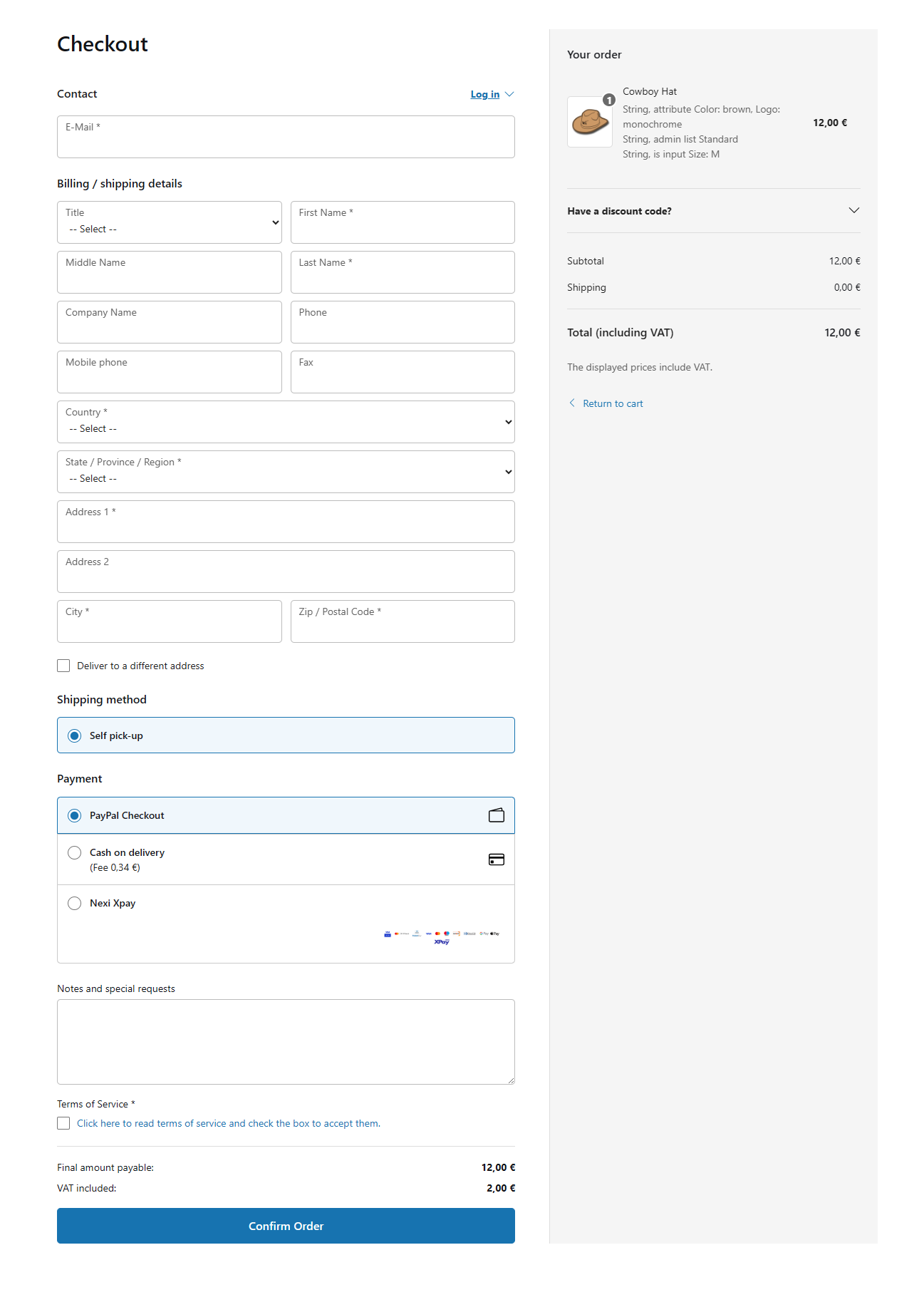
VirtueMart and each shipment or payment plugin decide whether a method can serve the current order. They can consider address, country, shopper group, order total, currency, product restrictions and plugin configuration.
Premium Checkout Suite presents the methods VirtueMart returns. It cannot make an unpublished, incompatible or rejected method available.
If no payment method is eligible, the order cannot be submitted. Review the method’s native minimum amount, shopper-group and country rules before changing the checkout presentation.
Create shipment-dependent payment restrictions
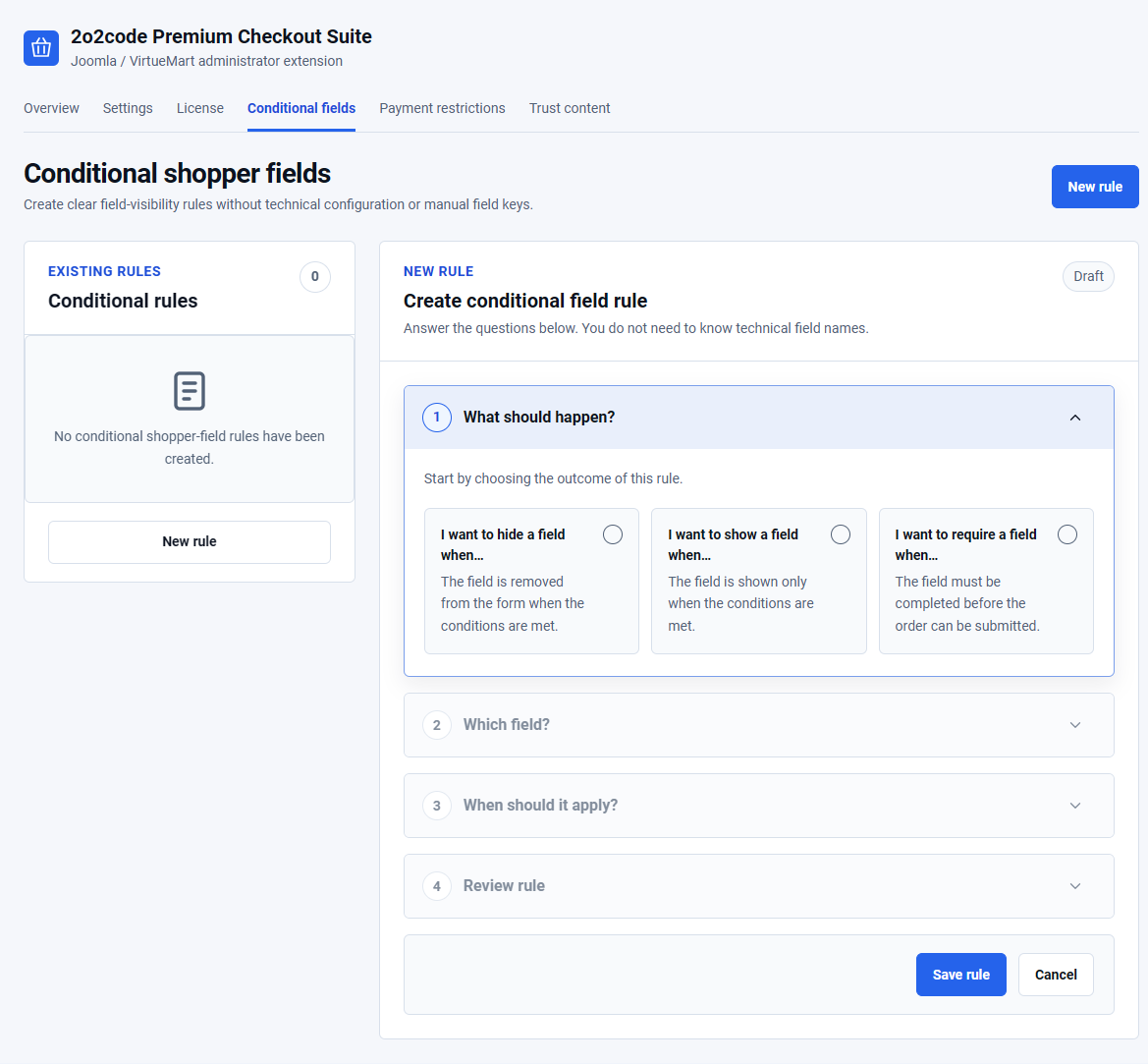
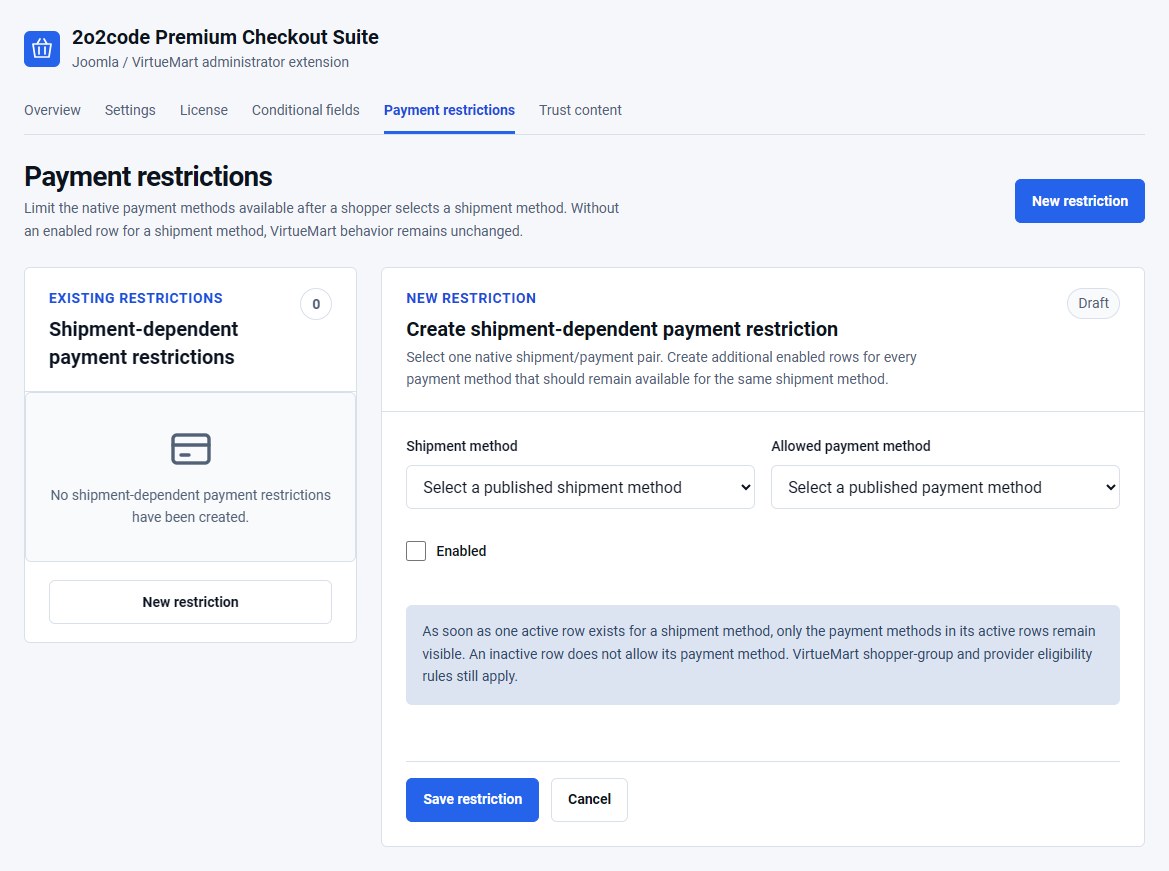
Open Components – Premium Checkout Suite – Payment restrictions.
- Select Create shipment-dependent payment restriction.
- Choose one published Shipment method.
- Choose one Allowed payment method.
- Save and enable the restriction.
- Create another enabled row for every additional payment method that should remain available with the same shipment method.
When at least one enabled row exists for a shipment method, only the payment methods in its enabled rows remain visible. An inactive row allows nothing. When no enabled row exists for a shipment method, native VirtueMart behaviour remains unchanged.
A rule can remove a payment method that VirtueMart considers eligible. It cannot enable a payment method that VirtueMart or its provider has already rejected.
Example: retail and wholesale delivery
Suppose Local delivery may use Card or Cash on delivery, while Freight may use Bank transfer only.
- Create Local delivery + Card.
- Create Local delivery + Cash on delivery.
- Create Freight + Bank transfer.
- Enable all three rows.
- Confirm that the native payment plugins also permit those shopper groups and order totals.
Test with a safe offline method or a provider sandbox. Do not place a real charge only to verify a visibility rule.
Shopper groups, prices and VAT
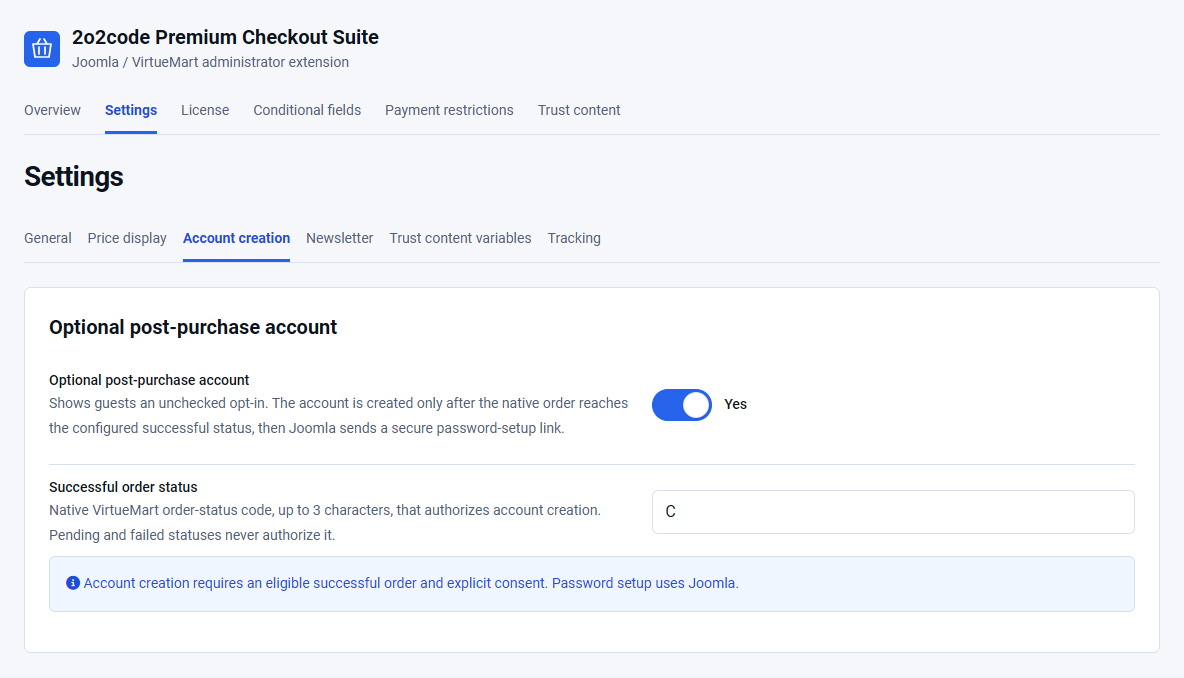
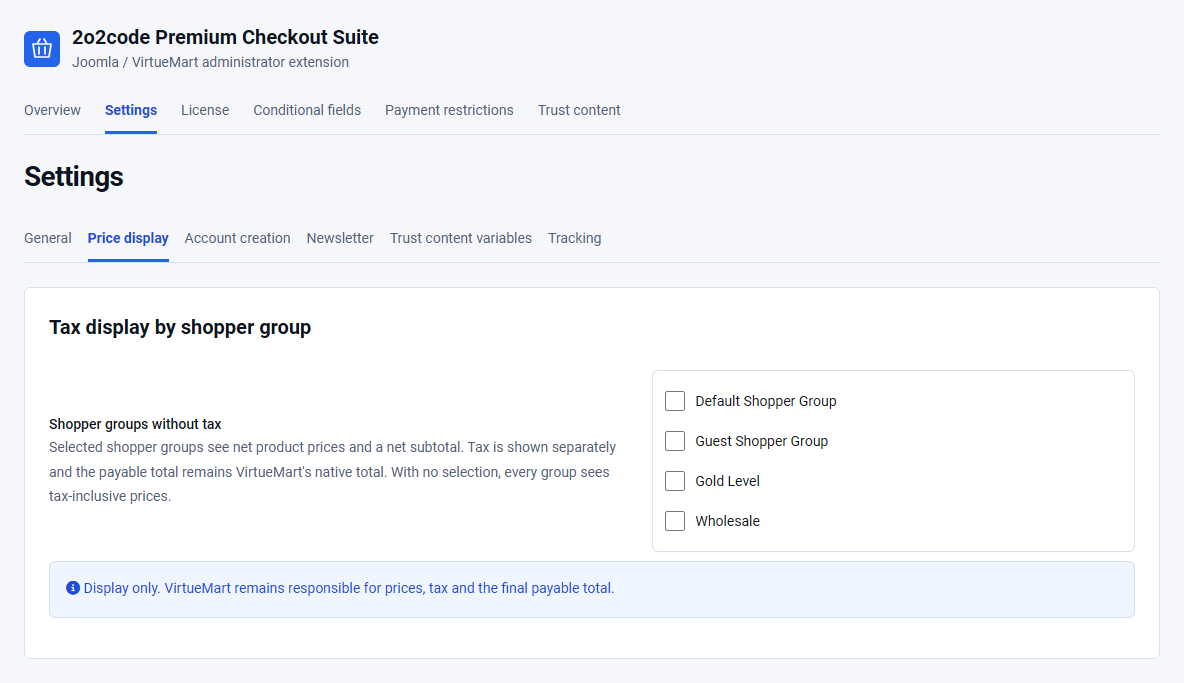
Open Premium Checkout Suite – Settings – Price display. The Shopper groups without tax field is empty by default, so all groups see tax-inclusive product prices.
Selected groups see net product prices and a net subtotal. VAT remains visible as a separate amount, and the payable total remains the authoritative total calculated by VirtueMart.
- Use this setting only for the shopper groups that should see net display prices.
- Do not use it to alter tax calculation or tax liability.
- Confirm subtotal, discount, shipment, payment fee, tax and final total against the native VirtueMart calculation.
Coupons and discounts
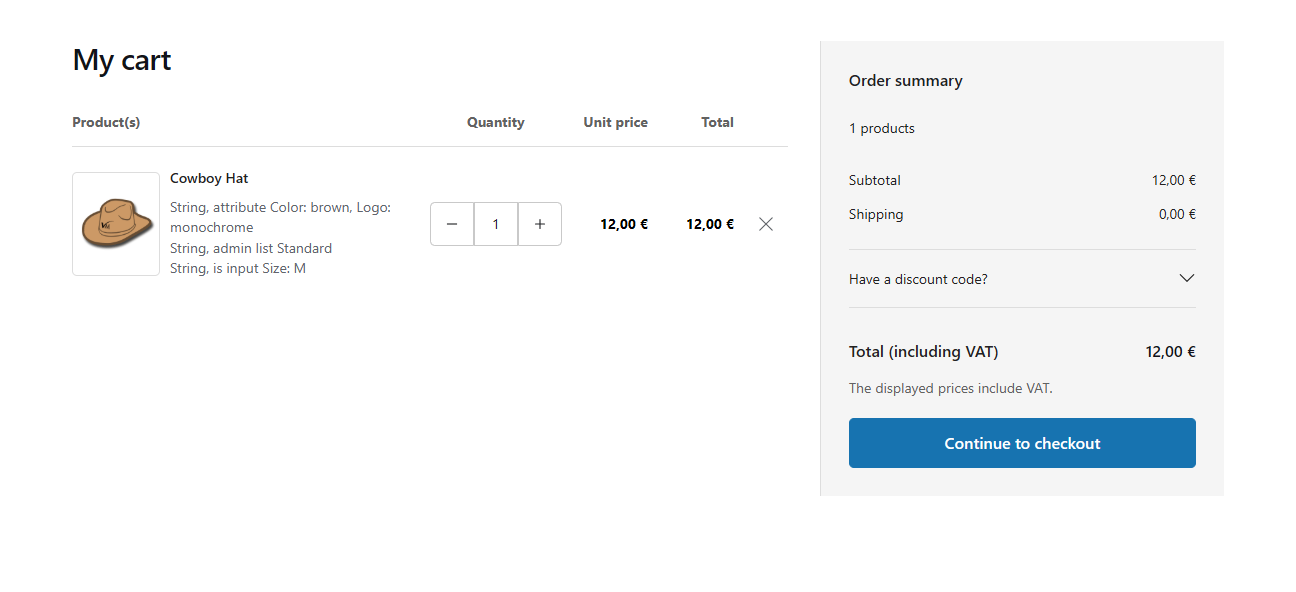
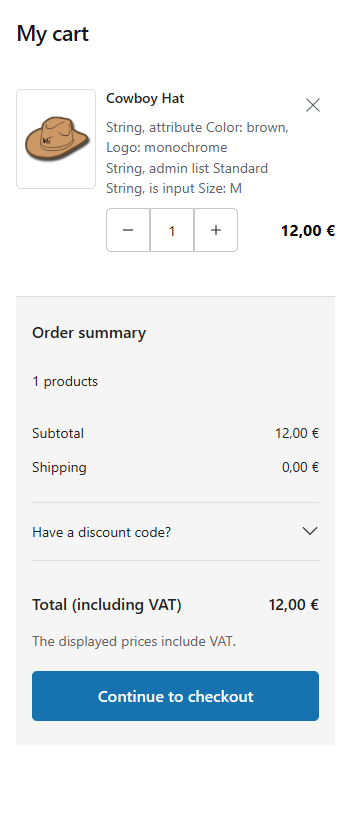
Coupon validation remains native to VirtueMart. Customers can apply or remove a coupon from the cart or checkout when the store configuration permits it.
- An empty coupon value should not create a discount.
- An invalid or expired coupon should show the native failure message.
- Minimum amount, shopper-group, product and category restrictions still apply.
- Product discounts and coupon discounts remain separate amounts.
- A crossed-out original price must agree with the current final product price.
After applying or removing a coupon, verify the updated subtotal, discount, VAT and payable total.
Payment and pricing test checklist
When a provider supports installments or another provider-specific option, its plugin remains responsible for the control and validation. Premium Checkout Suite preserves the native provider markup.