Order confirmation
The success page reflects the authoritative VirtueMart order. Depending on the order and provider, it can show:
- order number and current status;
- billing and delivery details;
- shipment and payment information;
- products, quantities and prices;
- discounts, shipment charges, payment fees, VAT and payable total;
- native payment-provider instructions and actions.
Pending and confirmed orders remain visually distinct. Native provider information is kept, while duplicate order numbers, totals or View Order links inside nested provider output are removed.
Print the confirmation safely
Use the Print action from the order confirmation. The print view is read-only and includes the customer-facing order information needed for a useful record.
Opening or printing the page cannot resubmit the order, repeat a payment action, send another email, create another account or repeat the purchase analytics event.
Install protected Joomla updates
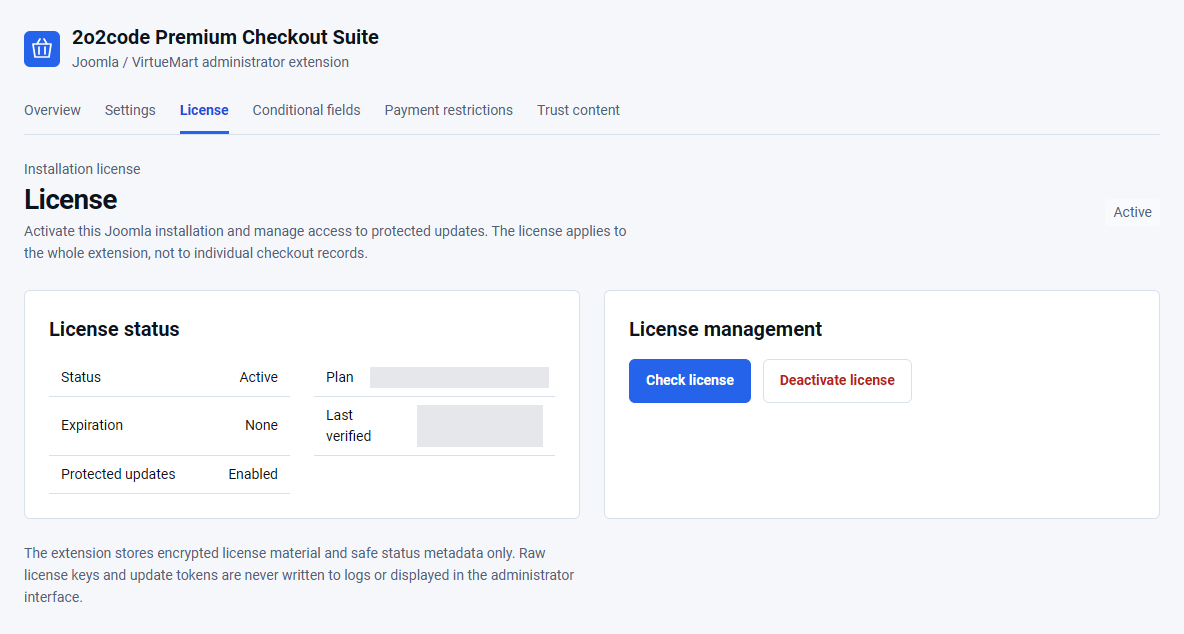
- Confirm that the installation license is Active.
- Back up the website and database.
- Open System – Update – Extensions.
- Select Check for Updates.
- Review the available version and changelog.
- Install the update through Joomla.
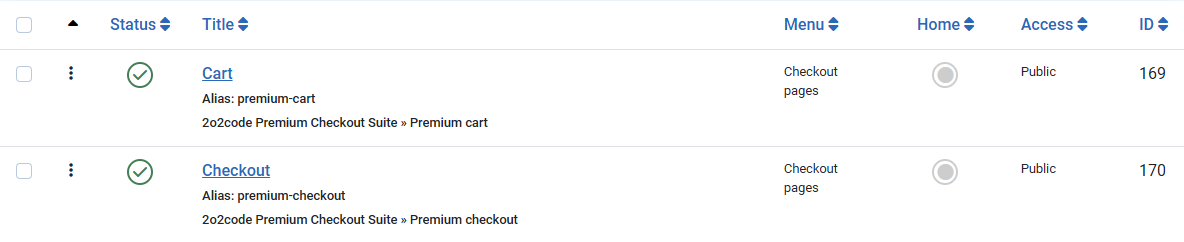
- Clear only the normal Joomla cache and test cart plus checkout entry.
Version 1.0.4 preserves your existing settings, licenses and orders. It adds the Umami connection and improves cart refreshes and checkout presentation. See the product changelog for the full update notes.
Cart, checkout and completion pages are excluded from Joomla’s native whole-page cache. If you use a separate third-party cache, check its own exclusions for these private pages.
Protected package delivery requires current update entitlement. Never copy or share the Download Key displayed by Joomla’s Update Sites interface.
An already activated installation keeps its existing operational checkout functionality. Updates, support and new activations stop.
Troubleshooting
No payment methods appear
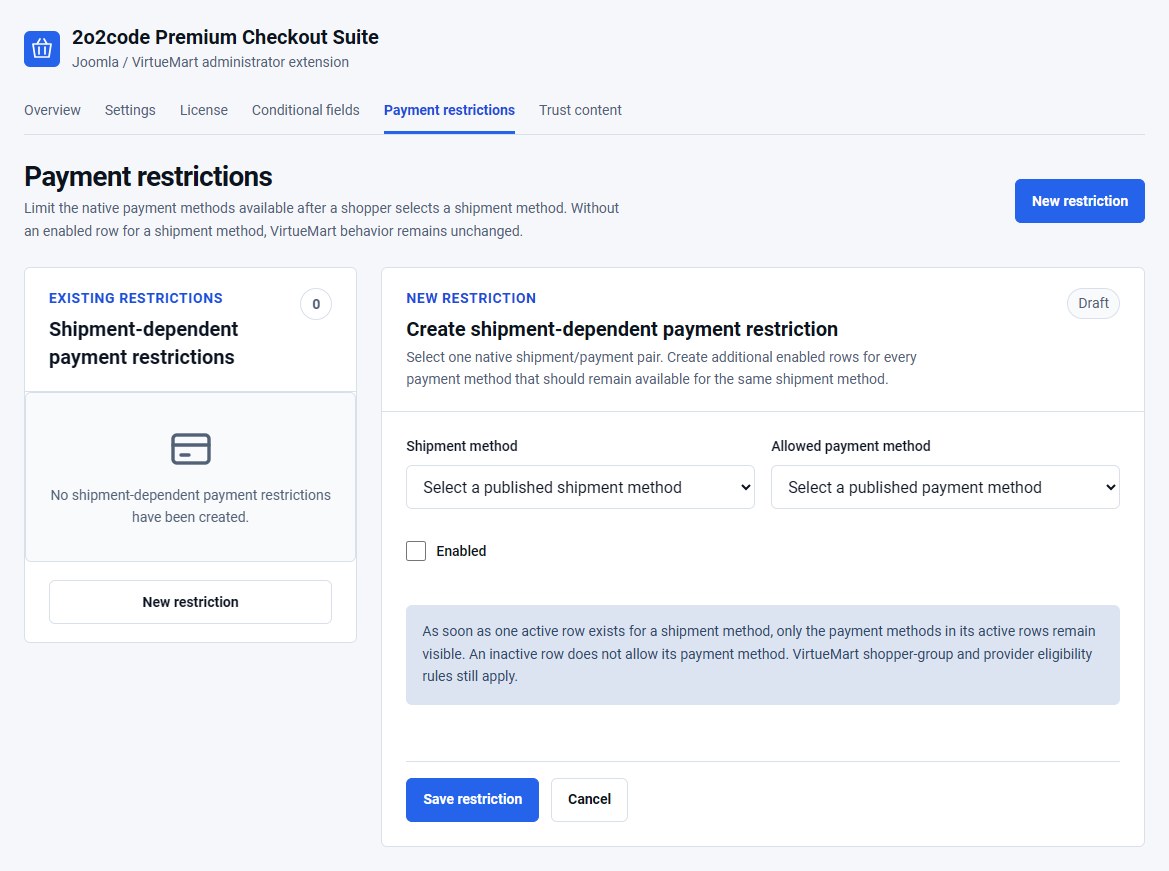
Check native payment publication, country, shopper group, currency and minimum amount rules. Then review enabled shipment-dependent payment restrictions. Disable the restriction temporarily to compare native VirtueMart behaviour.
State/Region does not appear
Confirm that the selected country has published states in VirtueMart and that Country appears before State/Region in the native shopper-field order.
The checkout is empty
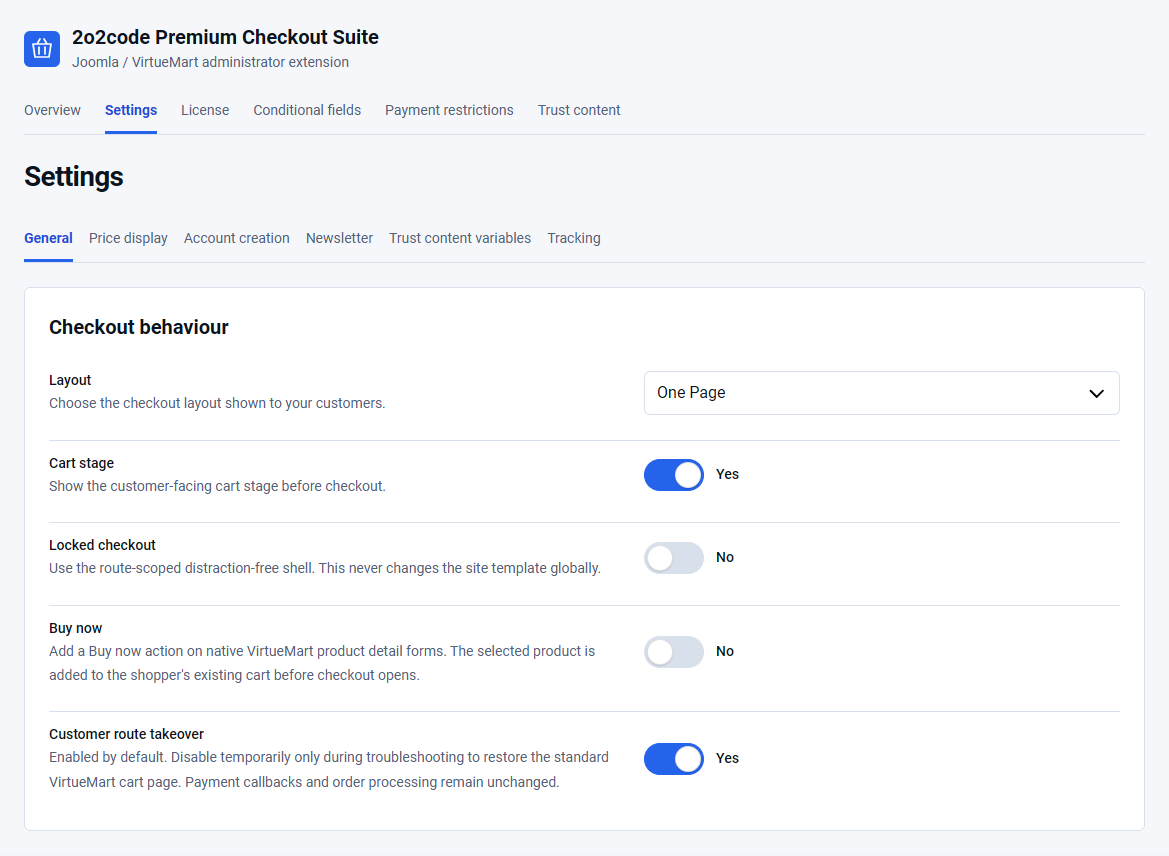
Confirm that the VirtueMart cart contains a valid product. Temporarily disable Customer route takeover and check the native cart for the same issue.
Buy now does not appear
Confirm that Buy now is enabled, the product uses a native VirtueMart product form and the active template has not removed the relevant product-form event.
A coupon is not applied
Check expiry, minimum amount, shopper-group, product and category rules in VirtueMart. The extension does not override native coupon validation.
The newsletter checkbox is missing
Confirm that Newsletter consent is enabled, AcyMailing is active, an active list exists and the current shopper group has a list mapping.
An account is not created
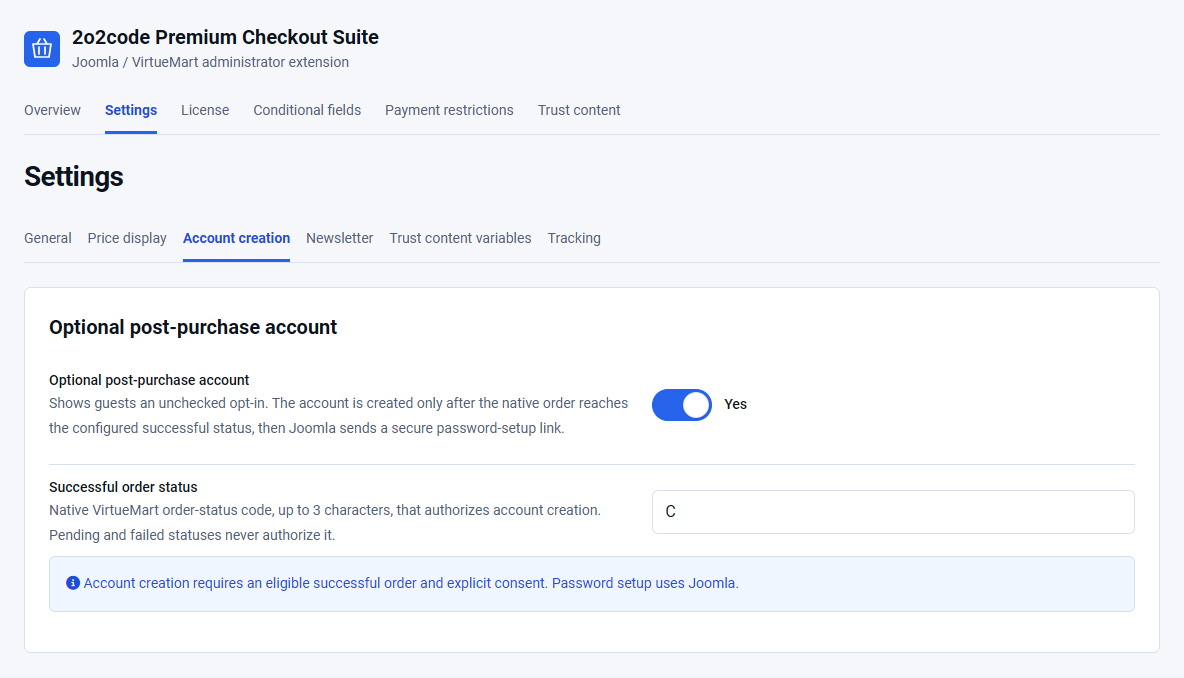
Confirm that the guest opted in and the native order reached the configured Successful order status. Existing account emails are deliberately not duplicated.
A custom logo or trust icon is missing
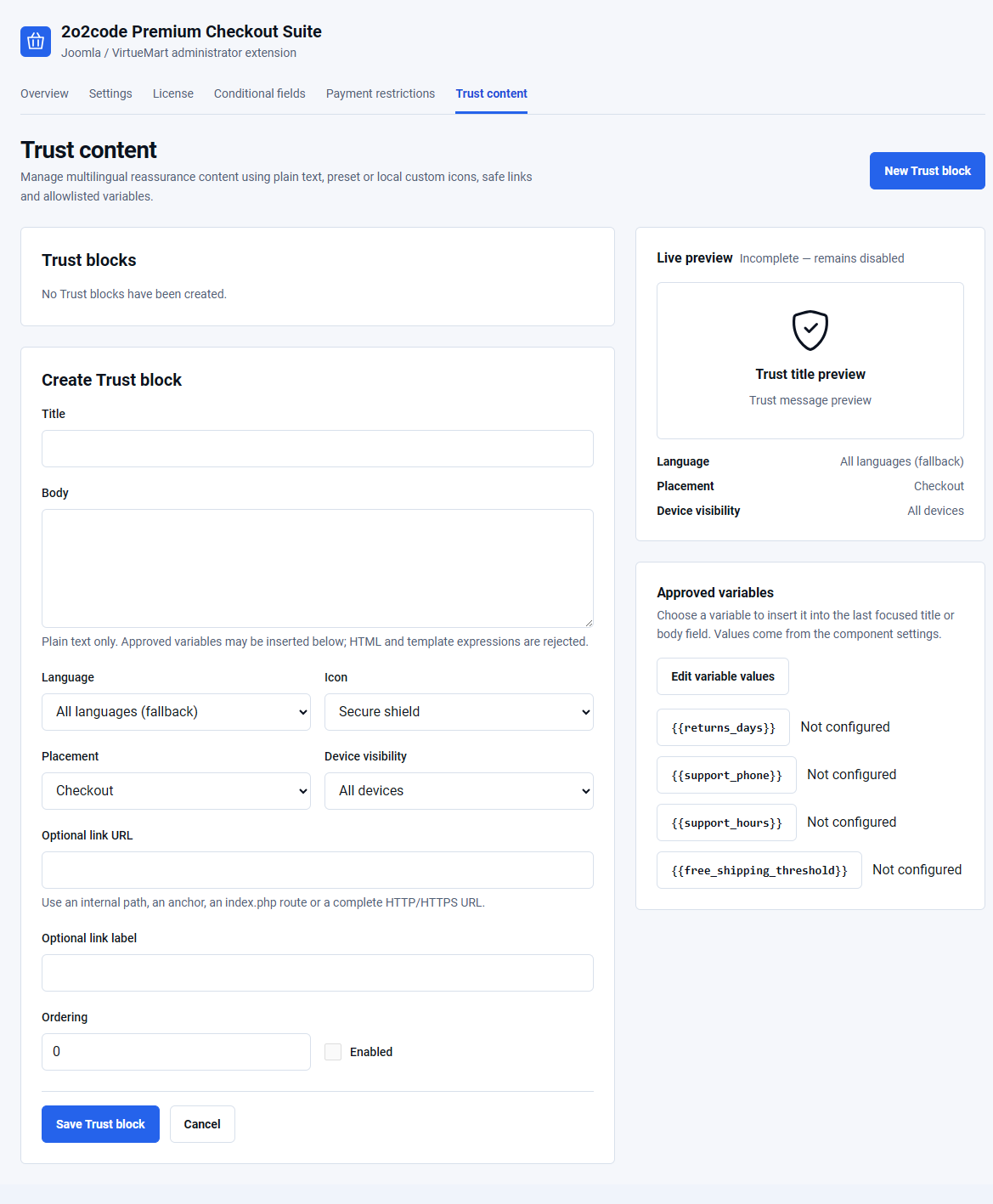
Use a local image selected through Joomla Media Manager. For a checkout logo, select Separate checkout logo as the branding source and confirm Locked checkout is enabled.
No update is available
Check License status, protected-update connection and the extension update site. A temporary update connection problem does not disable existing checkout operation.
License activation fails
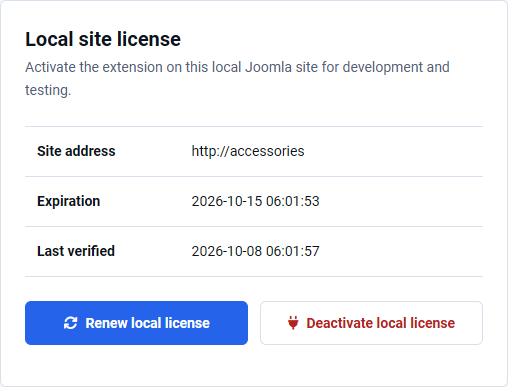
For a Production license, use the live store’s final public HTTPS address. On an eligible local website, use the Local license section, headed Local site license, and select Activate on this local site. Check that your license key is active and that the server can make outgoing HTTPS connections. See local license activation instructions. Do not copy license data from another installation.
Prices or VAT look wrong
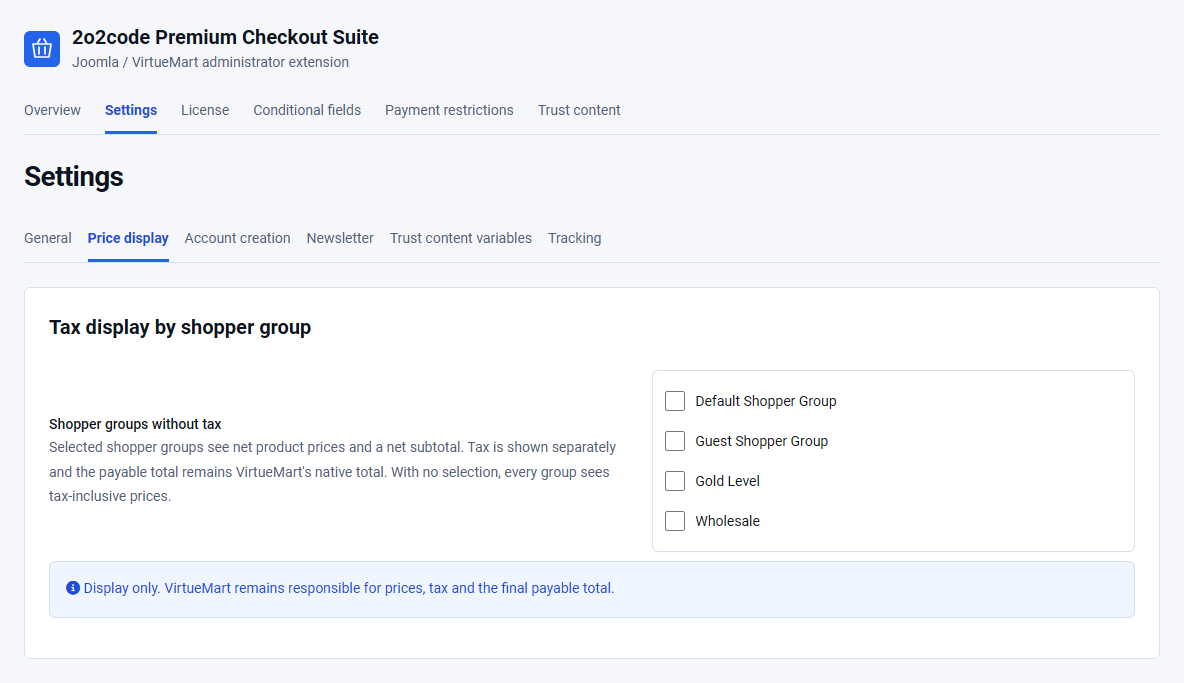
Compare the values with the native VirtueMart cart. Review tax rules and shopper-group assignments in VirtueMart, then review Shopper groups without tax in Premium Checkout Suite.
The Joomla template or another extension conflicts
Disable Customer route takeover temporarily. If native VirtueMart works, record the template and extension versions and contact support with privacy-safe screenshots and exact reproduction steps.
Frequently asked questions
Does Premium Checkout Suite replace VirtueMart?
No. VirtueMart remains responsible for the cart, prices, taxes, coupons, shipment and payment eligibility, orders, callbacks and statuses.
Can I use One Page and Multistep at the same time?
No. Select one active checkout layout. You can change it later and test the new customer flow.
Does Buy now delete the current cart?
No. It adds the selected product to the shopper’s existing cart before opening checkout.
Can payment restrictions enable a rejected method?
No. Restrictions can only remove methods from the eligible native result.
Is AcyMailing required?
No. It is required only when the optional newsletter consent integration is enabled.
Does Internal tracking send analytics data?
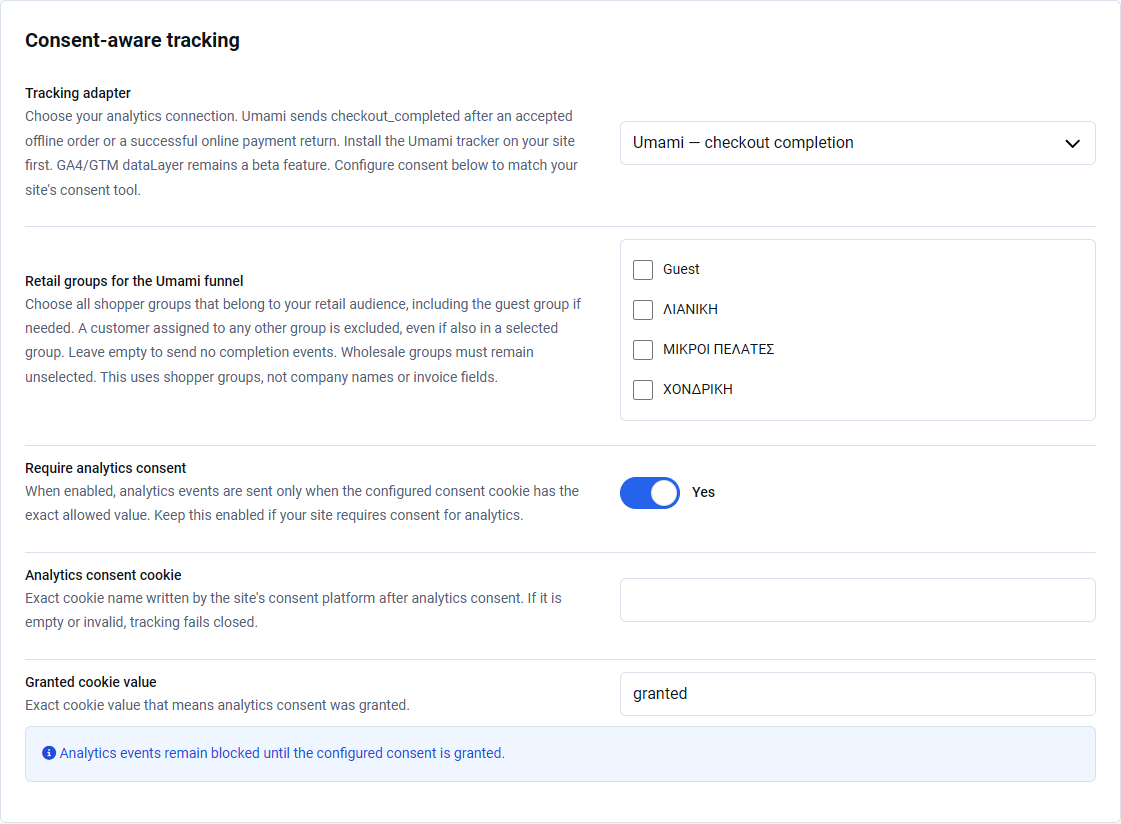
No. The Internal event model sends nothing to an external service. The dataLayer adapter is Beta and requires consent-aware production testing.
Does an expired license stop checkout?
No. An already activated installation keeps its existing operational functionality, while updates, support and new activations stop.
Prepare a useful support request
Include Joomla, VirtueMart, PHP and Premium Checkout Suite versions, the affected layout, the expected result, the actual result and reproducible steps. Use synthetic data in screenshots.
Never send license keys, Joomla Download Keys, Freemius tokens, customer details, payment credentials or complete private order data.