
A simple way to protect Elementor Form Lite from spam
Spam messages waste time and can hide real customer enquiries. CAPTCHA puzzles may reduce spam, but they also add another step for every visitor who wants to contact you.
2o2code Spamless Forms checks Elementor Form Lite submissions quietly inside WordPress. Visitors can use the form normally, while the plugin looks for common signs of automated spam.
You do not need to connect an external spam-scoring service. The checks run on your own website, and the form keeps the normal Hello Plus success and error messages.
Elementor, the Hello Plus plugin, its Form Lite widget and 2o2code Spamless Forms Free 1.0.0.
What you need before you start
Four parts work together on the page. You only need to make sure that they are installed and active.
A Hello theme
Your website can use a theme from Elementor’s Hello family, such as Hello Biz.
Elementor
Elementor is the page builder you use to edit the page that contains the form.
Hello Plus
Hello Plus adds the Form Lite widget used in this guide.
Spamless Forms
Spamless Forms adds local anti-spam checks to the supported Form Lite widget.
Make sure you are using the supported form
Elementor can display different types of forms. They may look similar on the page, but the Free plugin does not support all of them.
| Form type | Where it comes from | Free support | What to know |
|---|---|---|---|
| Form Lite | Hello Plus | Supported | This is the form covered by this guide. |
| Elementor Pro Form | Elementor Pro | Not included in Free | It is a different form and is not protected by the Free Form Lite integration. |
| Atomic Form | Elementor | Not supported | Atomic Forms are not supported in the current release. |
Edit the page with Elementor and click the form. If the widget is called Form Lite and comes from Hello Plus, you have the supported form.
How to enable Elementor Form Lite spam protection
- Install the plugin.Install and activate 2o2code Spamless Forms from WordPress.org.
- Open Integrations.In WordPress, go to Settings > 2o2code Spamless Forms > Integrations.
- Find Elementor Form Lite.The integration should appear as detected when Elementor and Hello Plus are active.
- Enable protection.Turn on the Elementor Form Lite integration and save your changes.
- Check the Protection page.Make sure a protection mode is active before testing the public form.
That is all you need for the basic setup. You do not have to edit the form, paste a code snippet or create an API account.
Test the form before you leave the page
Open the public page in a private browser window or while logged out of WordPress. Send one normal test message using made-up details.
- The form should submit without a CAPTCHA challenge.
- The normal success message should still appear.
- Your usual email or form action should still run.
- The Spamless Forms Activity page should record the result without showing the complete message, raw IP address or raw email address.
Use only a small number of test messages. There is no need to send real customer information or a large batch of submissions.
What to check if Form Lite is not detected
If the integration says Not detected, check these items in order:
- Check Elementor.Make sure the Elementor plugin is installed and active.
- Check Hello Plus.Hello Plus must also be installed and active. A Hello theme by itself is not enough.
- Check the widget.Open the page in Elementor and confirm that the form is the Hello Plus Form Lite widget.
- Reload the settings.Return to the Integrations page and refresh it after activating the missing plugin.
- Clear caches.Clear your WordPress, server and browser caches if the status has not changed.
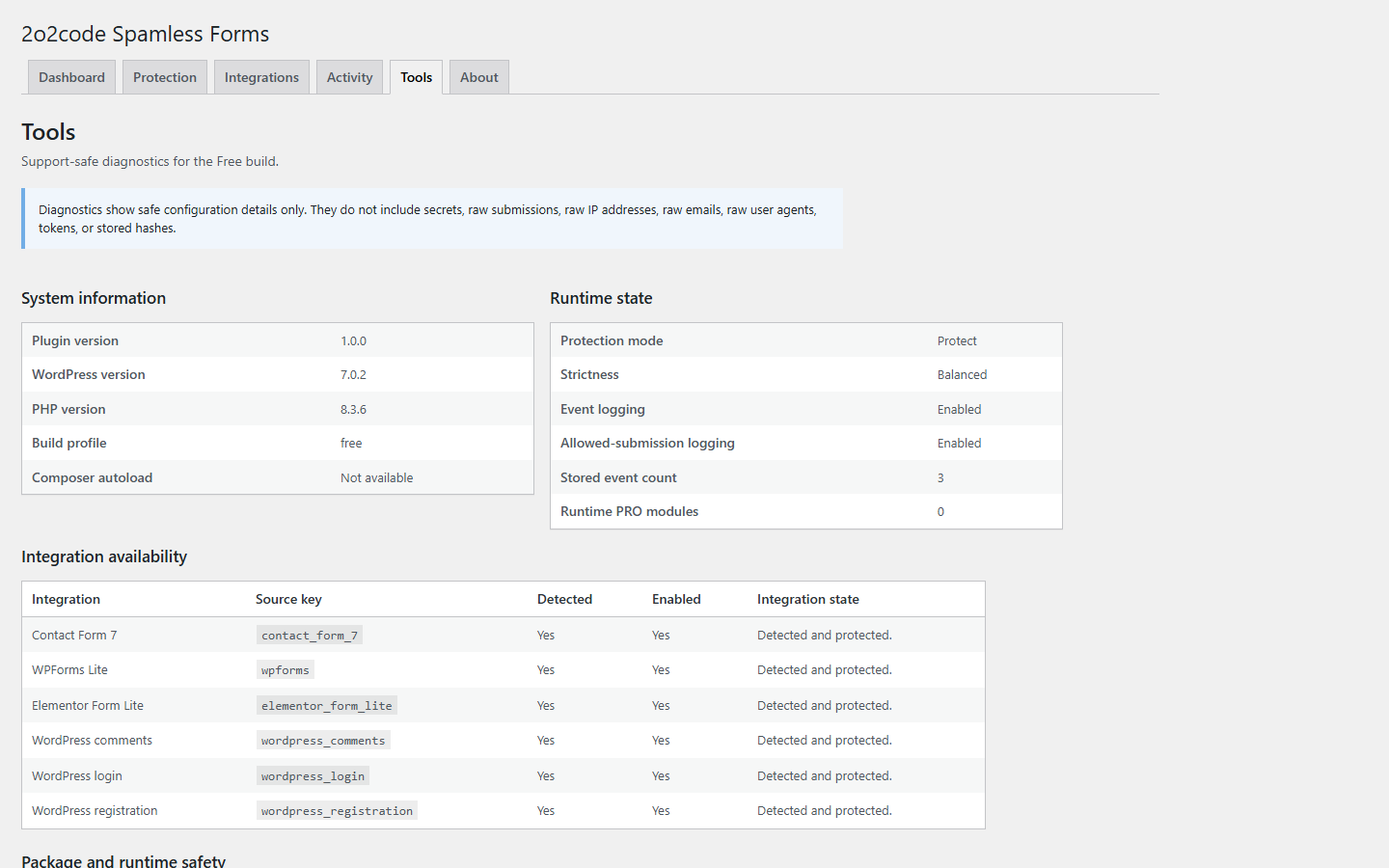
If Form Lite is still not detected, open the Spamless Forms Tools page and contact 2o2code support with the WordPress, Elementor and Hello Plus versions you are using.
Do a quick check after plugin updates
After updating Elementor, Hello Plus or Spamless Forms, take one minute to confirm that the contact form still works.
- Open the Spamless Forms Integrations page and confirm that Form Lite is detected.
- Make sure the integration is still enabled.
- Clear caches if your website uses a cache or optimization plugin.
- Send one normal test message from the public page.
This short check can catch a disabled plugin or a changed form before a customer needs to contact you.
Elementor Form Lite spam protection FAQ
Do I need Elementor Pro?
No. The setup in this guide uses Elementor, Hello Plus, its Form Lite widget and 2o2code Spamless Forms Free.
Does the Free plugin protect every Elementor form?
No. Free 1.0.0 supports Form Lite from Hello Plus. Elementor Pro Forms are not included in the Free integration, and Atomic Forms are not supported in the current release.
Do visitors have to solve a CAPTCHA?
No. Spamless Forms checks the supported form quietly in WordPress, so the normal visitor does not see a CAPTCHA puzzle.
Are form submissions sent to an external spam-scoring service?
No. Spamless Forms performs its anti-spam checks locally on your WordPress website. Other services added separately to your form or email setup are outside the plugin.
Why does the integration say Enabled but Not detected?
Enabled means that your setting is saved. Not detected usually means that Elementor, Hello Plus or the supported Form Lite widget is currently missing. Check the active plugins and the widget used on the page.
Simple local protection
Protect your Elementor Form Lite form without CAPTCHA.
Install the Free plugin, enable the Form Lite integration and test your contact form in a few minutes.
Need help checking your form? Contact 2o2code.